Install on Claude Code
Claude Code gets the most complete Veilguard integration — one terminal command adds the MCP server, plus optional post-save hooks that scan every file you save.
node --versionRun one command in your terminal
Open your terminal (inside Claude Code or externally) and run:
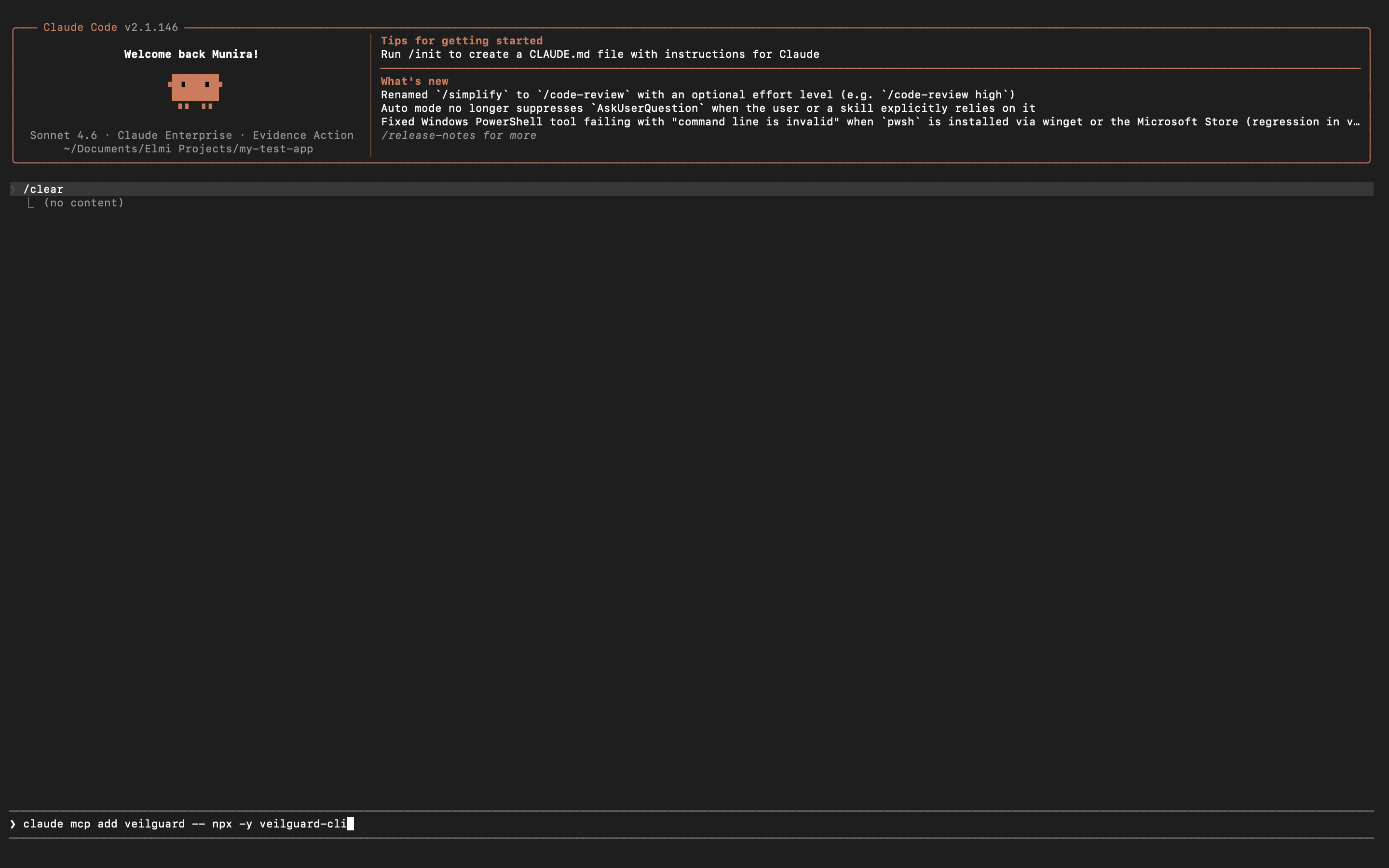
This registers Veilguard as an MCP server in Claude Code. The screenshot below shows the command being typed in the Claude Code terminal.
Verify the server was added
Run this to confirm Veilguard is registered:
You should see veilguard in the output. Or restart Claude Code and ask Claude: "What Veilguard tools do you have access to?" — it should list 14 security tools.
Add the CLAUDE.md rules file (recommended)
Download the CLAUDE.md template and save it to your project root:
curl -o CLAUDE.md https://raw.githubusercontent.com/elmimoha15/veilguard/main/templates/claude-md.txt
This file tells Claude exactly when to call each Veilguard tool. Without it, the tools still work but won't fire automatically — you'll need to ask manually. If you already have a CLAUDE.md, append the Veilguard rules to the end.
Add the post-edit hook for deterministic coverage
Claude Code runs a real PostToolUse hook after the agent edits or writes a file. Add it to .claude/settings.local.json (veilguard init does this for you):
{
  "hooks": {
    "PostToolUse": [
      {
        "matcher": "Edit|Write|MultiEdit",
        "hooks": [
          {
            "type": "command",
            "command": "npx -y --package=veilguard veilguard-cli scan-hook"
          }
        ]
      }
    ]
  }
}
scan-hook scans just the changed file and stays completely silent unless it finds something — then it surfaces the alert in your chat. Claude Code has no .claude/hooks.json or postSave events.
Add your Pro key (optional)
Re-register with your Pro key:
claude mcp add veilguard --env VEILGUARD_KEY=vg_live_xxxxxxxxxxxxxxxxxxxx -- npx -y --package=veilguard veilguard-mcp
Or open .claude/mcp.json and add VEILGUARD_KEY to the env block manually. Get a key at veilguard.dev/pro.
Notes
- •The MCP config is saved to
.claude/mcp.json— project-level, add it to each project you want protected. - •The
quick-scanin hooks uses a lightweight CLI, not the full MCP server — it's fast and silent. - •Restart Claude Code after any config change to pick up the new server.